Rating Superficial Scald
This scald rating module will determine the ratio of superficial scald on a piece of fruit.
Segmentation for Scald Rating
Prior to running this module, Step 2: Run Segmentation must be performed so that apples on the tray can be separated into individual images. To follow along with this tutorial, you can use the following image:
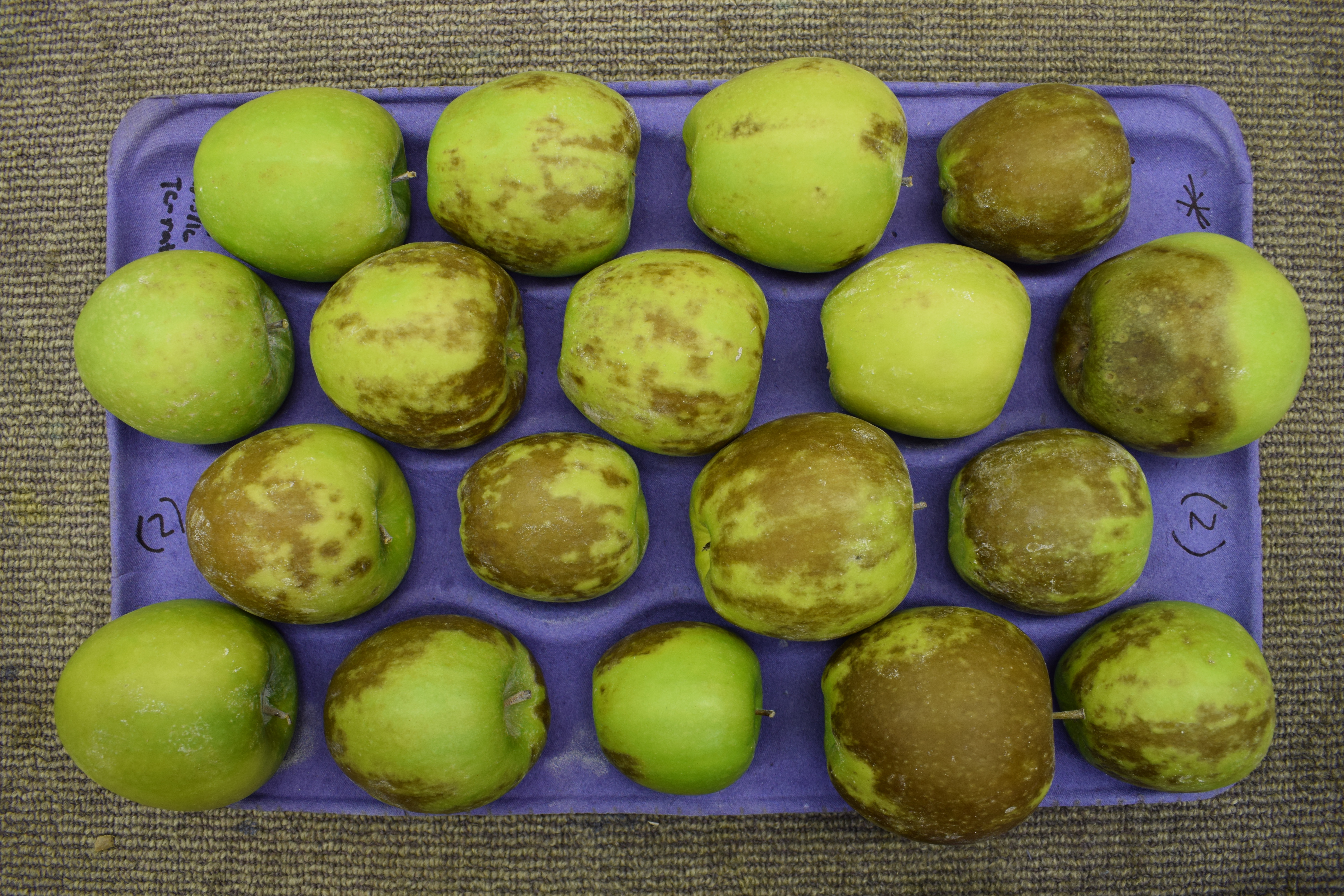
Demo image for scald analysis.
Rate Superficial Scald
Inside of your Granny project directory (created in the Step 1: Project Setup), you should have performed the segmentation step before proceeding with scald analysis. Now, you will run the scald analysis on the command-line. Like the segmentation step, you must provide several arguments. The following table lists the arguments needed for the scald analysis:
Granny Options |
Description |
|---|---|
|
Indicates you want to use the command-line interface. |
|
Indicates you want to run the scald analysis. |
|
The directory where the segmented images of whole apples are kept. |
Similar to the segmentation step, when you specify the --input argument, you can drag and drop the folder where the images from the segmentation step are stored. This will be the segmented_images folder created during the segmentation step. For example if the results from segmentation are in this location /home/johns_smith/demo/results/segmentation/22024-07-12-08-30/segmented_images then your command line will look like the following:
granny -i cli --analysis scald --input /home/john_smith/demo/results/segmentation/2024-07-12-08-30/segmented_images
Note
Remember, you can drag and drop a folder from the file browser into the terminal so you do not have to type the full directory path.
While running the scald analysis, Granny will output something similar to the terminal:
input : (user) ./results/segmentation/2024-07-12-08-30/segmented_images/
Scald Rating Results
Similar to the segmentation step, a new folder named scald will be created in the results results folder. It too will have a sub folder with the date the analysis was run. Inside this folder will be the results file named results.csv and images of each apple, with scald regions having been removed.
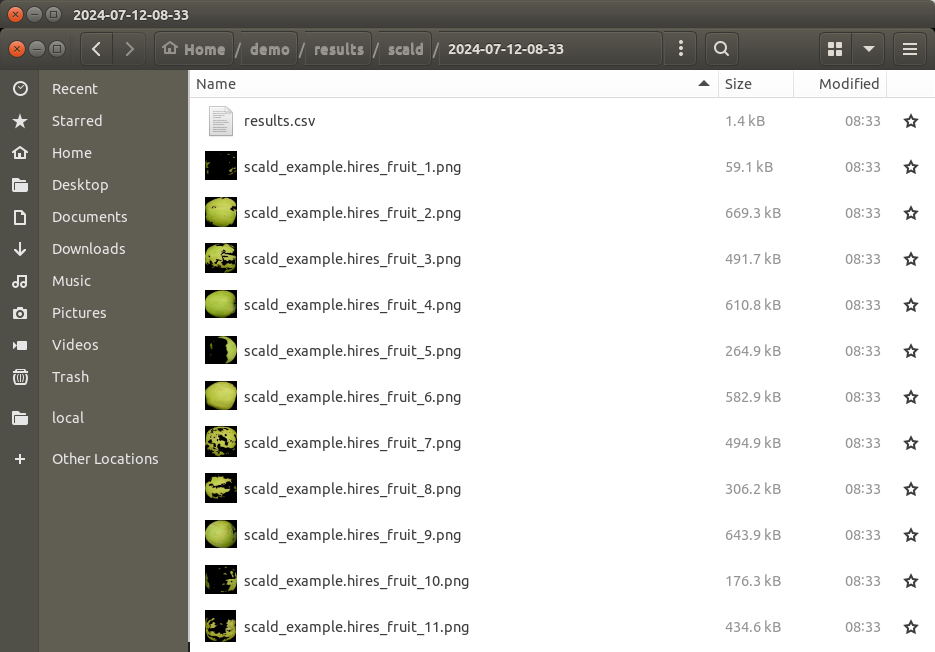
The results.csv file can be opened using Microsoft Excel or another spreadsheet program. The file includes the segmented image name and the “rating” which is the ratio of scald vs total fruit area.
Name |
rating |
TrayName |
|---|---|---|
scald_example_1.png |
0.05861743610519554 |
scald_example |
scald_example_10.png |
0.6306813742387682 |
scald_example |
scald_example_11.png |
0.5759842384078588 |
scald_example |
scald_example_12.png |
0.7853690476382467 |
scald_example |
scald_example_13.png |
0.7230023117519125 |
scald_example |
scald_example_14.png |
0.07240419578876933 |
scald_example |
scald_example_15.png |
0.44484797970755896 |
scald_example |
scald_example_16.png |
0.8488585551665427 |
scald_example |
scald_example_17.png |
0.3364370071189393 |
scald_example |
scald_example_18.png |
0.12257072380303646 |
scald_example |
scald_example_2.png |
0.34148965387696784 |
scald_example |
scald_example_3.png |
0.9351626861577397 |
scald_example |
scald_example_4.png |
0.030244610838261132 |
scald_example |
scald_example_5.png |
0.6816636184753969 |
scald_example |
scald_example_6.png |
0.5640562665292035 |
scald_example |
scald_example_7.png |
0.01971690192140363 |
scald_example |
scald_example_8.png |
0.02627684189524393 |
scald_example |
scald_example_9.png |
0.3658700283475841 |
scald_example |
In addition to the results file, a copy of each segmented image is present. The area of the fruit that is not stained by iodine is removed, leaving blackness where scald was detected.
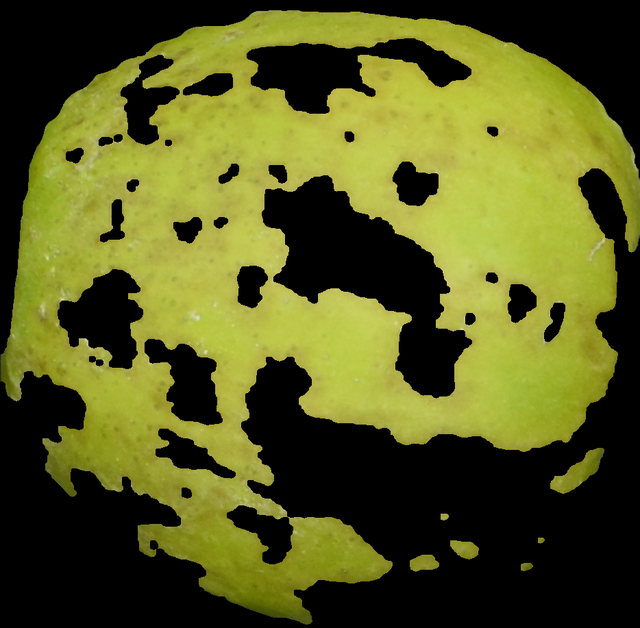
Granny’s scald rating module will also report an average tray level scald rating in the tray_summary.csv file.
TrayName |
rating |
|---|---|
scald_example.hires_fruit |
0.410304227338372 |